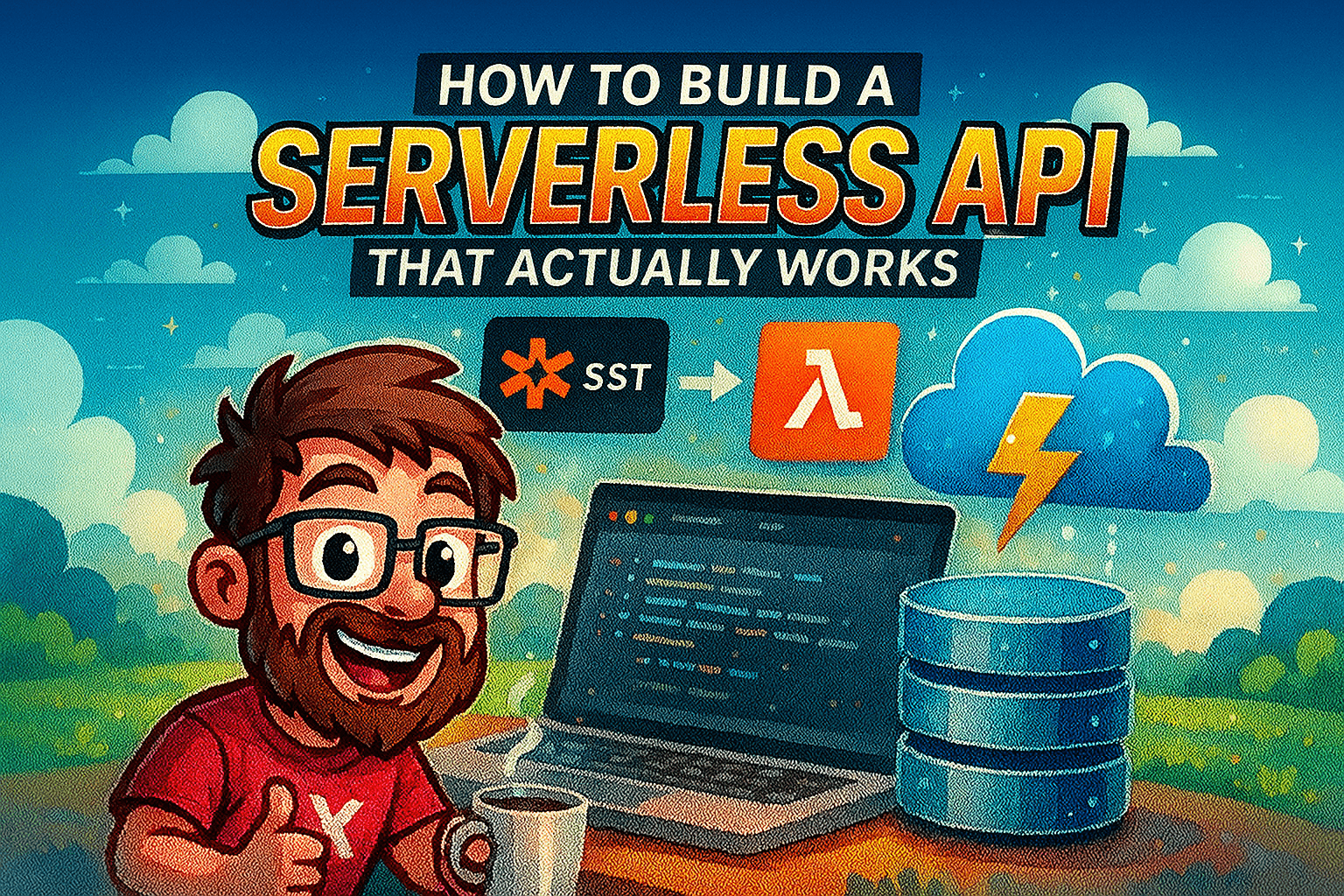
How to Build a Serverless API That Actually Works (with SST, Prisma, TiDB, Bun & AWS Lambda)
Simple steps to deploy a TypeScript serverless API without stress.
👋 Hey there! I'm a passionate developer with a knack for creating robust and user-friendly applications. My expertise spans across various technologies, including TypeScript, JavaScript, SolidJS, React, NextJS.
Welcome, brave developer, to the wild world of modern web development where we combine more technologies than a NASA space mission! Today we’re building a serverless TypeScript application using SST (not the sonic boom), Prisma (not the crystal), TiDB (not a robot), Express.js (not the delivery service), and Bun (not the bread). We’ll deploy this beautiful chaos to AWS Lambda because apparently, we enjoy complicated relationships with cloud providers.
Why This Particular Flavor of Madness?
Let me explain why we’re choosing this specific cocktail of technologies (spoiler: it’s actually pretty awesome):
SST: Because who doesn’t love infrastructure as code that doesn’t make you cry
Prisma: Type-safe database queries that prevent your 3 AM “WHERE DID ALL THE DATA GO?!” moments
TiDB: A database that scales horizontally because vertical scaling is so 2010
Express: The reliable old friend that’s been there since the dinosaur age of Node.js
Bun: The new kid on the block that makes everything ridiculously fast (yes, it’s named after a rabbit)
AWS Lambda: Because paying for servers when they’re not doing anything is like paying rent for a ghost
Prerequisites (AKA “Stuff You Need Before You Can Break Things”)
An AWS Account (and the emotional fortitude to handle the billing alerts)
AWS CLI installed and configured (because apparently we still need command lines in 2025)
Node.js 18+ (anything older and you’re basically using stone tablets)
Basic knowledge of TypeScript (if you’re still writing vanilla JS, we need to have a talk)
A strong cup of coffee ☕
Important: AWS CLI Setup (Or How to Convince AWS You’re Not a Robot)
Before we start building our magnificent creation, you need to authenticate with AWS. Think of it as showing your ID at a very expensive nightclub.
If you haven’t set up AWS CLI yet (and let’s be honest, who has time for documentation?):
Install AWS CLI: Installation Guide
Configure your credentials (AWS wants to know who’s about to rack up the bill):
aws configure
3. Enter your credentials like you’re entering a secret speakeasy
You can verify your setup with this magic incantation:
aws sts get-caller-identity
If it returns your identity without throwing an error, congratulations! AWS acknowledges your existence.
Let’s Get This Party Started
Step 1: Install Bun (The Rabbit That Will Change Your Life)
First, let’s install Bun globally because we’re living dangerously:
npm i -g bun
Yes, we’re using npm to install npm’s potential replacement. The irony is not lost on us.
For more information about why Bun is faster than your ex leaving you, visit bun.sh.
Step 2: Create Your Project (Like Bob Ross Creating Happy Little Servers)
Create a new directory and give it a name that you won’t be embarrassed to show your colleagues:
mkdir my-sst-app
cd my-sst-app
Initialize a new Bun project (watch the magic happen):
bun init
Now let’s clean up the mess and create our proper structure:
rm index.ts # Goodbye, you served us well for about 30 seconds
mkdir src
touch src/app.ts # Our future masterpiece
Step 3: Install Dependencies (AKA Dependency Hell, But Make It Fashion)
Time to install more packages than a teenager’s skincare routine:
bun add express @prisma/client sst @tidbcloud/prisma-adapter @codegenie/serverless-express
bun add -D prisma @types/express @types/aws-lambda tsx
Let’s decode this alphabet soup:
express: The old reliable (like your favorite pair of jeans)@prisma/client: Your database’s new best friendsst: Infrastructure as code that doesn’t hate you@tidbcloud/prisma-adapter: The diplomatic translator between Prisma and TiDB@codegenie/serverless-express: The magic that makes Express work in Lambda landVarious TypeScript types because we’re not savages
Database Setup (Or: How to Tame the Data Beast)
Step 4: Initialize Prisma (Your New Database Overlord)
Let Prisma set up shop in your project:
bun prisma init
This creates a prisma directory and a .env file. It’s like moving into a new apartment, but for databases.
Step 5: Configure Prisma Schema (The Blueprint of Your Dreams)
Update your prisma/schema.prisma file to work with TiDB:
generator client {
  provider = "prisma-client"
  output = "../src/generated/prisma"
  engineType = "client"
}

datasource db {
  provider = "mysql"
  url = env("DATABASE_URL")
}

model User {
  id Int @id @default(autoincrement())
  email String @unique
  name String?
  age Int?
  createdAt DateTime @default(now())
  updatedAt DateTime @updatedAt
}
Key points (because I know you skipped the code block):
We’re using
provider = “prisma-client”andengineType = “client”to generate the Prisma Client using the TypeScript-based engine. This provides better performance and smaller bundle sizes compared to the traditional binary-based engine, making it ideal for serverless deployments (translation: it’s fast and won’t break your Lambda)We’re outputting the generated client to
src/generated/prismabecause organization is key to sanityUsing
mysqlprovider since TiDB speaks MySQL (it’s bilingual!)Our
Usermodel is simpler than your last relationship
Step 6: Set Up TiDB Connection (Database Speed Dating)
Create a TiDB Serverless cluster at tidbcloud.com. Yes, another account to manage. Welcome to modern development!
Update your .env file with your TiDB connection string:
DATABASE_URL=”mysql://username:password@gateway01.region.prod.aws.tidbcloud.com:4000/database?sslaccept=strict”
Pro tip: Don’t commit this to Git unless you want to become famous on r/ProgrammerHumor
Step 7: Run Database Migration (The Moment of Truth)
Generate the Prisma Client and create database tables:
bun prisma migrate dev — name init
This command does more work than a junior developer on their first day:
Creates migration files (like a diary of your database changes)
Applies the migration to your database (fingers crossed!)
Generates the Prisma Client with TypeScript types (because we’re fancy like that)
Application Code (The Fun Part!)
Step 8: Create Prisma Client Singleton (One Client to Rule Them All)
Create src/lib/prisma.ts to set up our database overlord:
import { PrismaTiDBCloud } from "@tidbcloud/prisma-adapter";
import { PrismaClient } from "../generated/prisma/client";

declare global {
  var prisma: undefined | ReturnType<typeof prismaClientSingleton>;
}

const prismaClientSingleton = () => {
  const adapter = new PrismaTiDBCloud({ url: process.env.DATABASE_URL });
  // @ts-ignore: tidb adapter not in prisma types yet
  return new PrismaClient({ adapter });
};

const db = globalThis.prisma ?? prismaClientSingleton();

if (process.env.NODE_ENV !== "production") globalThis.prisma = db;

export default db;
This pattern does several clever things:
Uses the TiDB Cloud adapter (it’s like a universal translator)
Implements singleton pattern to avoid connection drama in serverless land
Reuses connections in development because we’re not made of money
Step 9: Build the Express Application (Your API’s Main Character)
Create your src/app.ts file with all the Express goodness:
import express from "express";
import db from "./lib/prisma";

const app = express();
app.use(express.json());

app.get("/health", (_req, res) => res.json({ ok: true }));

app.get("/users", async (_req, res) => {
  try {
    const users = await db.user.findMany();
    return res.json(users);
  } catch (error) {
    return res.status(500).json({ error: error });
  }
});

app.post("/users", async (req, res) => {
  try {
    const { email, name, age } = req.body;

    const user = await db.user.create({
      data: { email, name, age },
    });
    return res.json(user);
  } catch (error) {
    return res.status(500).json({ error: error });
  }
});

export default app;
Our Express app includes:
A health check endpoint (for those anxious moments)
GET endpoint to fetch all users (because data hoarding is real)
POST endpoint to create new users (population growth!)
Proper error handling (because things go wrong, and that’s okay)
Type safety through Prisma (no more “undefined is not a function” at 3 AM)
Step 10: Create Lambda Handler (The Serverless Magic Portal)
Create src/lambda.ts to handle AWS Lambda integration:
import serverlessExpress from "@codegenie/serverless-express";
import app from "./app";

export const handler = serverlessExpress({ app });
This tiny file is doing more heavy lifting than a gym enthusiast. It wraps our Express app to work with AWS Lambda’s event/callback model.
Infrastructure with SST (Infrastructure as Code, But Fun)
Step 11: Initialize SST (Your Infrastructure Butler)
Set up SST in your project:
bun sst init
This creates sst.config.ts and other SST files. It’s like having a personal assistant for your AWS resources.
Step 12: Configure SST (Teaching AWS How to Behave)
Update your sst.config.ts file to deploy your Express app:
/// <reference path="./.sst/platform/config.d.ts" />
export default $config({
  app(input) {
    return {
      name: "aws-prisma",
      removal: input?.stage === "production" ? "retain" : "remove",
      protect: ["production"].includes(input?.stage),
      home: "aws",
    };
  },

  async run() {
    const api = new sst.aws.ApiGatewayV2("AwsPrisma");

    api.route("ANY /{proxy+}", {
      handler: "src/lambda.handler",
      runtime: "nodejs20.x",
      memory: "1024 MB",
      timeout: "60 seconds",
      environment: {
        DATABASE_URL: process.env.DATABASE_URL!,
      },
    });

    return { url: api.url };
  },
});
This configuration is like a recipe for AWS:
Creates an API Gateway V2 (faster and cheaper than v1, because we learn from our mistakes)
Routes all requests to our Lambda function (one function to handle them all)
Sets appropriate memory and timeout (because databases take time to think)
Passes environment variables securely (no hardcoded secrets here!)
Uses different settings for production vs development (because YOLO doesn’t work in prod)
Step 13: Update Package.json (The Command Center)
Add useful scripts to your package.json:
{
  "scripts": {
    "dev": "sst dev",
    "build": "sst build",
    "deploy": "sst deploy",
    "prisma:generate": "prisma generate",
    "prisma:migrate": "prisma migrate dev",
    "prisma:studio": "prisma studio"
  }
}
Development and Deployment (The Grand Finale)
Step 14: Local Development (Where Dreams Come True)
Start your development environment:
bun run dev
SST will work harder than a barista during finals week:
Deploy your infrastructure in development mode
Set up live Lambda debugging (because print statements are so passé)
Provide hot reloads for your code changes (instant gratification!)
Give you a real AWS endpoint to test against (no more localhost!)
Step 15: Test Your API (Moment of Truth)
Once deployed, test your endpoints like you’re debugging your relationship:
# Health check (is it alive?)
curl https://your-api-gateway-url.amazonaws.com/health

# Get all users (are there any humans here?)
curl https://your-api-gateway-url.amazonaws.com/users

# Create a user (let's make some friends!)
curl -X POST https://your-api-gateway-url.amazonaws.com/users \
-H "Content-Type: application/json" \
-d '{"email":"test@example.com","name":"John Doe","age":30}'
Step 16: Production Deployment (The Big Leagues)
Deploy to production (aka “the place where things need to actually work”):
bun run deploy - stage production
Best Practices and Pro Tips (Wisdom from the Trenches)
Database Connection Management
Always use connection pooling in production (unless you enjoy 500 errors)
Consider using TiDB’s serverless tier for automatic scaling (it’s like having a database that goes to the gym for you)
Monitor connection usage to optimize performance (knowledge is power!)
Error Handling (Because Murphy’s Law is Real)
app.use((err, req, res, next) => {
  console.error(err.stack);
  res.status(500).json({ error: "Something went wrong! But don't panic." });
});
Monitoring and Logging (Your Crystal Ball)
Add structured logging for better observability:
import { Logger } from "@aws-lambda-powertools/logger";
const logger = new Logger();

app.get("/users", async (req, res) => {
  logger.info("Fetching users", { userId: req.user?.id });
  // … rest of your code
});
Conclusion (We Made It! 🎉)
Congratulations! You’ve successfully built a serverless API that uses more acronyms than a government document! You now have:
✅ Type-safe database operations (no more “oops, I dropped the table”)
✅ Scalable TiDB database that grows with your success
✅ Fast development experience that doesn’t make you want to switch careers
✅ Cost-effective serverless deployment (your wallet thanks you)
✅ Production-ready code that won’t wake you up at 3 AM
This stack is like assembling the Avengers of web development technologies. Each piece brings its superpower, and together they create something greater than the sum of their parts (and way cooler than your last WordPress site).
Next Steps (Because We’re Never Really Done)
Consider adding these upgrades to your masterpiece:
Authentication (because not everyone should access your data)
Input validation with Zod (trust, but verify)
Rate limiting and caching (because users can be… enthusiastic)
Automated testing with Jest (because manual testing is for masochists)
CI/CD pipelines with GitHub Actions (automate all the things!)
Monitoring with AWS CloudWatch or DataDog (know thy application)
Remember: the best code is the code that works, doesn’t break production, and makes your future self thank your past self instead of cursing your name.
Thanks for reading! 🙌
If you enjoyed this guide:
Leave a ❤️ or comment — it really helps me know what to write next
Follow me here on Hashnode for more
Connect with me on X.
Happy coding, you caffeinated developers! ☕